.svg)
Wingman
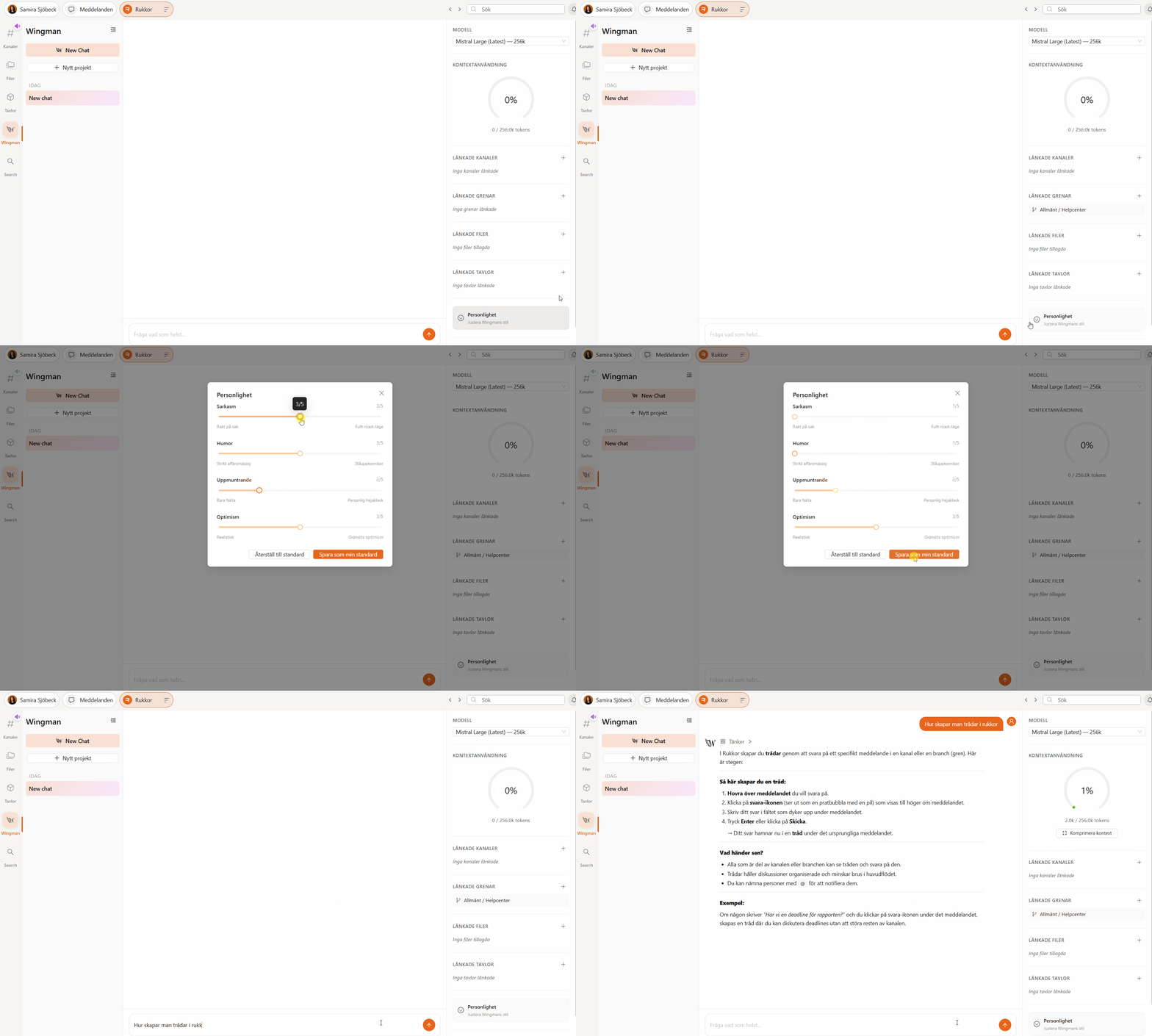
Wingman is Rukkor's built-in AI assistant, designed to help, explain, and create whatever you need. It can summarize documents, transcribe meetings, suggest replies, and even take action directly in your Boards. This article explains how to start using Wingman, control what it can access, and manage who can see your conversations.
What is Wingman?
Wingman uses artificial intelligence to make your work in Rukkor faster and smarter. It can:
- Read and analyze files you've given it access to
- Generate summaries of documents and conversations
- Improve search across your messages and files
- Create and update content directly in your Boards
All of this happens inside Rukkor, with privacy and access control built in — Wingman only sees what you choose to give it access to.
Starting a chat
- Click "Wingman" in the left menu.
- Click "New chat."
- Type your question or request and hit send.
You can ask Wingman to summarize a document, draft a message, answer a question about your files, or even create entries in a Board — just describe what you need.
Giving access
By default, Wingman doesn't have access to your channels, boards, or files. You decide what it can see:
- Open a chat with Wingman.
- In the side panel, go to Linked channels.
- Add the channels, boards, or files you want Wingman to use.
The more context Wingman has, the more useful and accurate its answers will be.
Visibility settings
Each Wingman chat has a visibility setting, found in the side panel:
- Private — only you can see and chat in this conversation.
- Invited — only the people you invite can see and join the conversation.
- Public — everyone in your Space can see the conversation.
Choose the setting that fits what you're working on — keep sensitive questions private, or make a conversation public so your whole team can benefit from it.
Choosing a model
Wingman lets you choose between different AI models depending on the task at hand, along with how much the model "thinks" before answering (Low, Medium, or High reasoning). For quick questions, a faster model with lower reasoning is usually enough. For complex tasks, choose a model with higher reasoning for more thorough answers.
→ Create structure in Boards
→ Communicate with others in Messages
→ Store your files in Drive
.svg)