
.svg)

Leading civil engineering contractors choose Geometra

Do as other leading construction companies — use Geometra to quickly estimate your projects. With Geometra, they gain a clear competitive advantage and can focus on delivering projects instead of getting stuck in complicated systems.

.png)
.png)
.png)
.png)
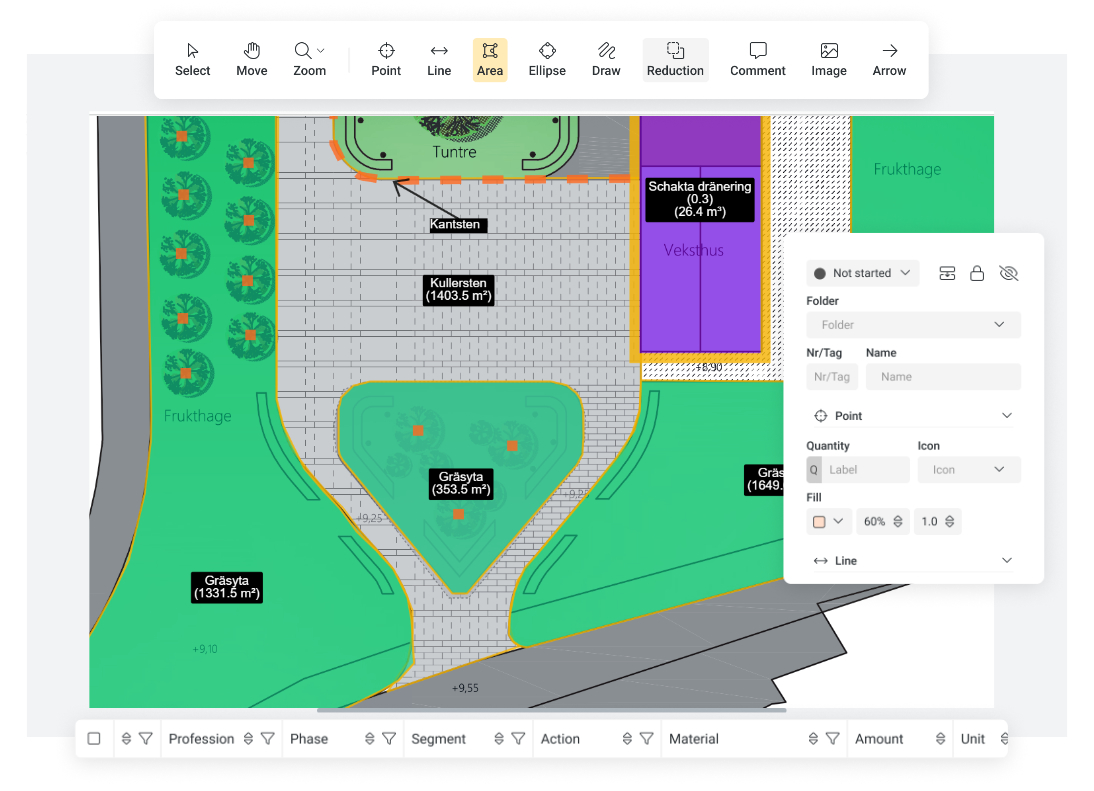
Accurate quantities reduce the risk of errors and rework
Quickly extract the right quantities and avoid unnecessary costs and miscalculations. Efficient, simple, and profitable!
For you who are: Estimator, quantity surveyor, project manager, or calculation manager
Learn how to: Estimate surfaces, extract quantities, and estimate materials for building and maintaining roads, water, drainage, electrical, and groundworks.
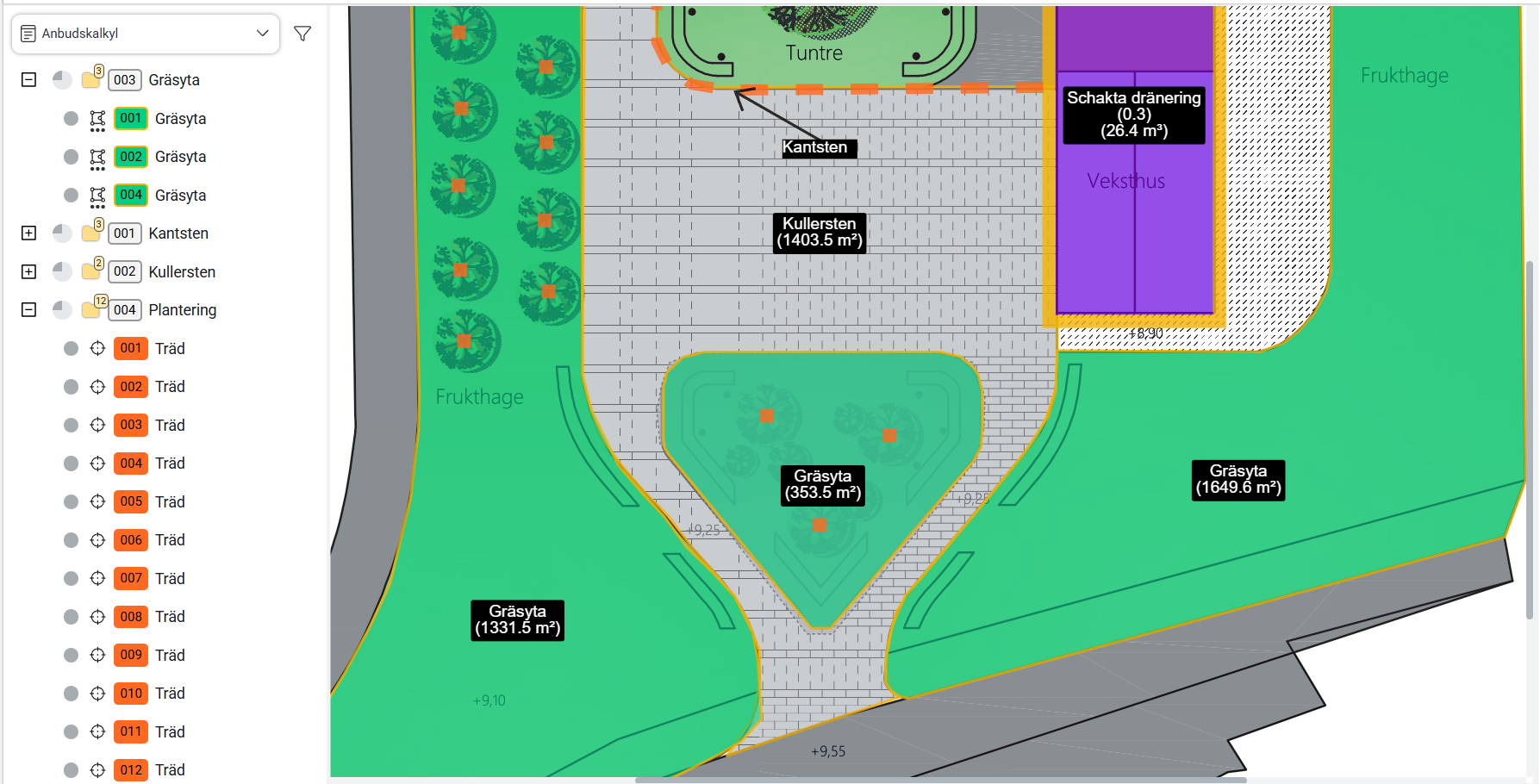
Color-code objects and categorize materials however you like
Create quantity takeoffs for different civil engineering projects
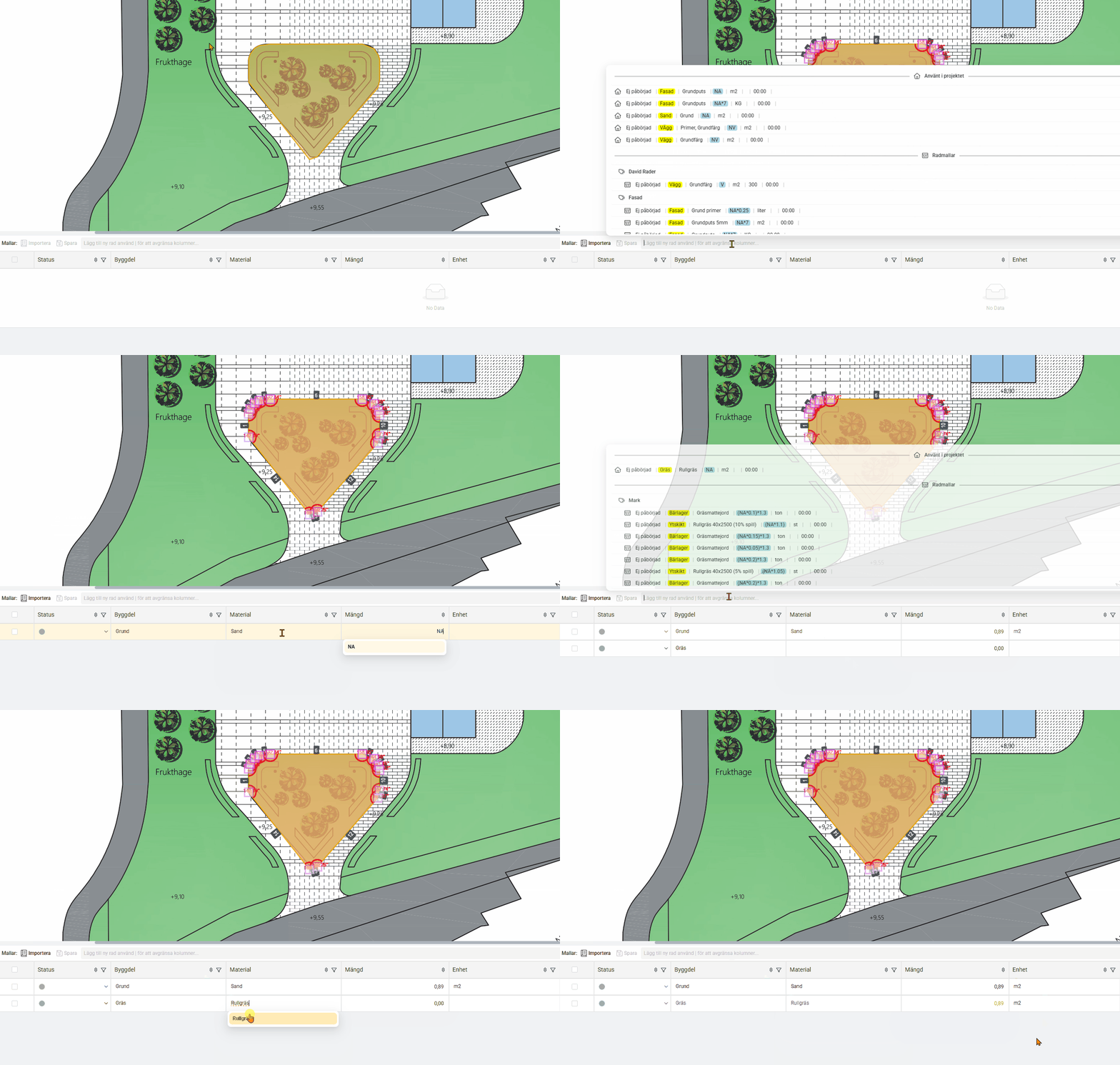
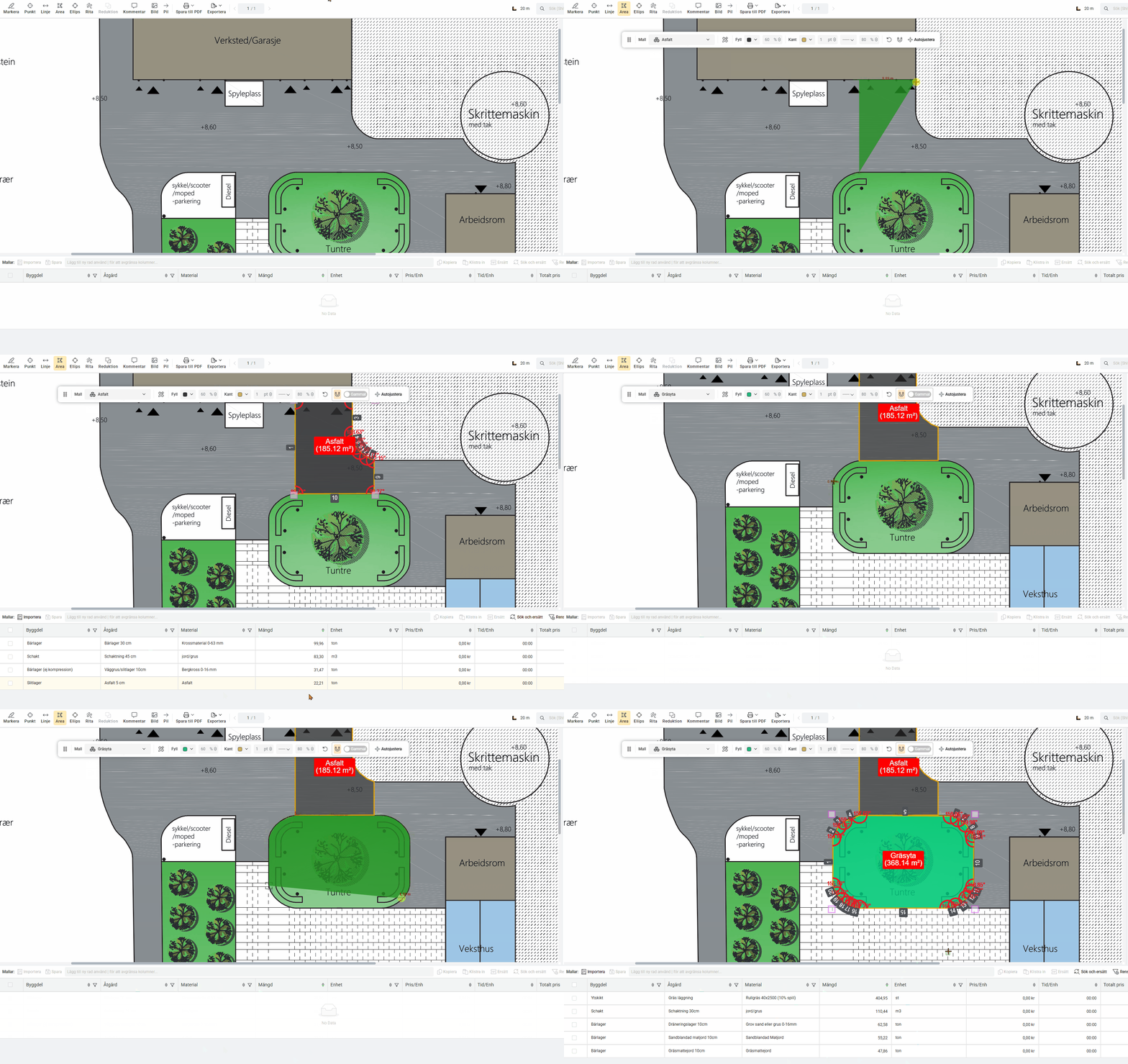
Work even faster with templates
Getting started for new users
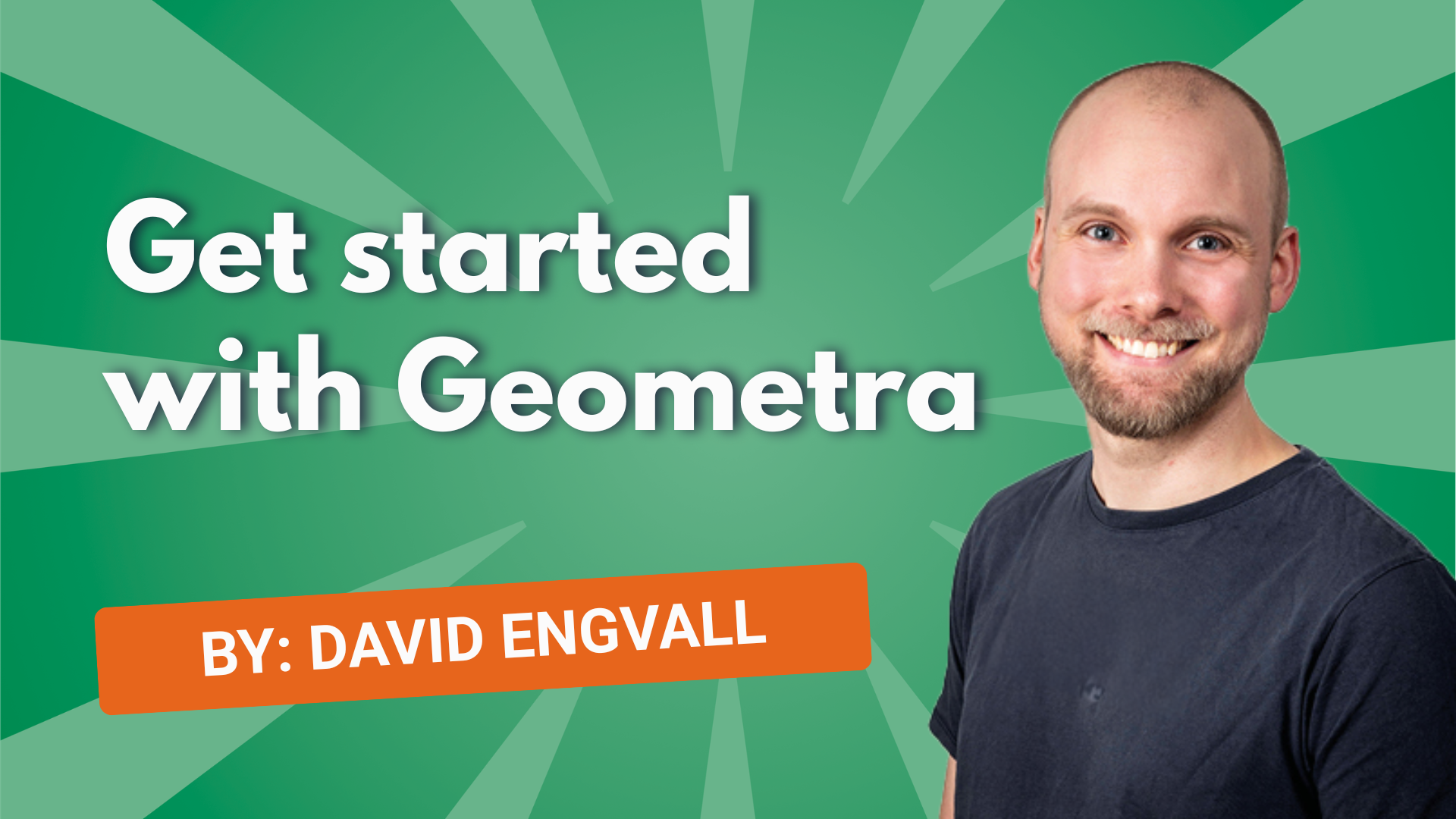
New to Geometra and not sure where to start? In this video, we guide you through the basics of the software. Perfect if you’re trying Geometra for the first time. We show you how to log in, create a project, and get started with the tools. You’ll also get an introduction to how estimating rows are used and the available export options.
Discover our guides
In this video, we show you how to quickly measure surfaces and calculate materials for civil engineering projects. Follow along!

“We use Geometra to extract quantities which we then import into our estimating tool, SmartKalk. There we match the quantities against estimating rows containing materials, prices, and everything else that will be part of the project.”
Time for some interesting reading!
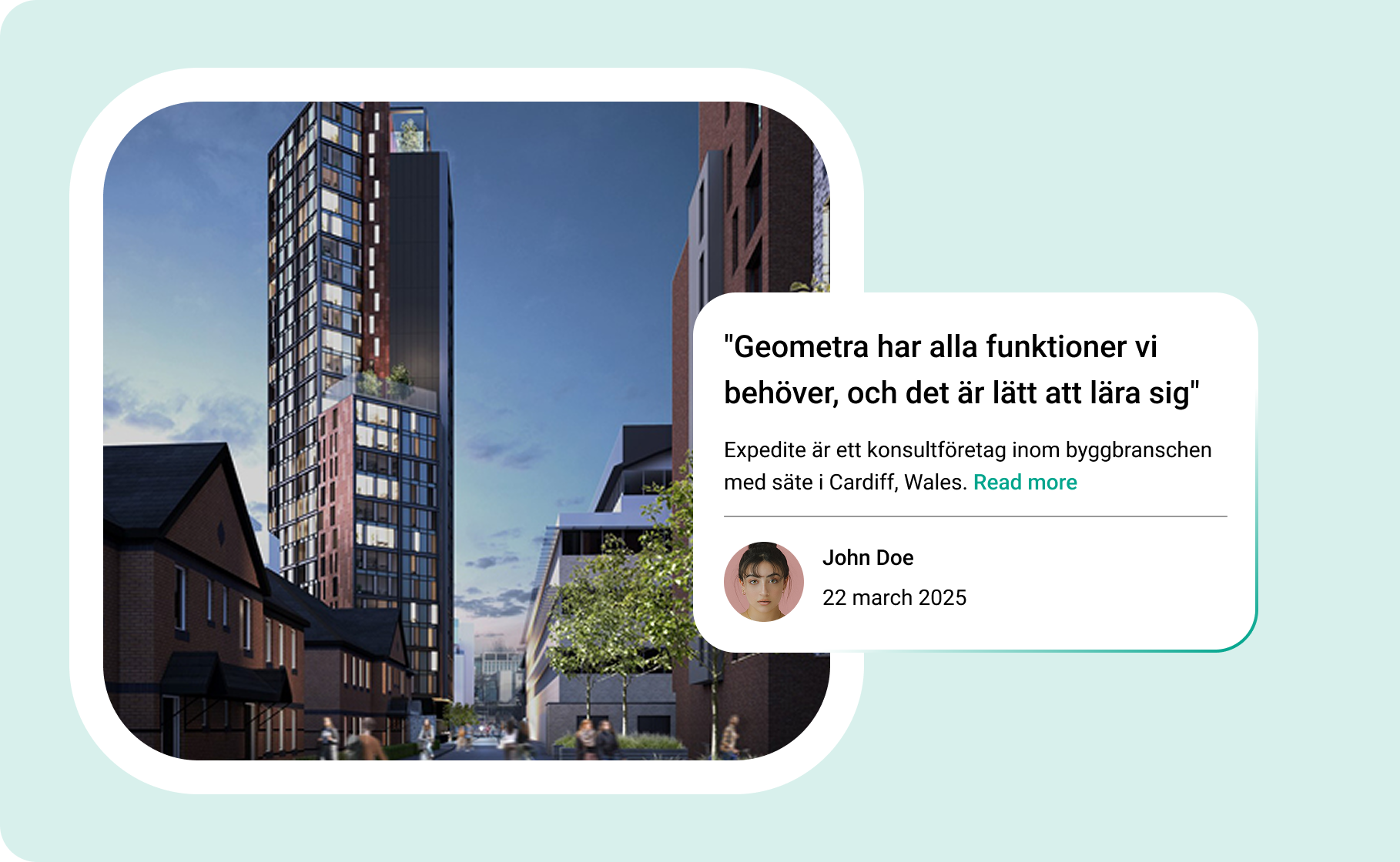
On our blog you’ll find articles and customer case studies from various segments within construction. Take a look and let yourself be inspired!
Don’t just take our word for it — here are some stats from our 2025 customer survey:

Believe that Geometra’s features are good or very good
Feel that stability and operations work well or very well
Rate our support as good or very good
Rate the overall experience of Geometra as very good
Count on materials from your supplier
Do you work with Veidekke or Svevia? Build your own material register in Geometra and streamline your work. Use our ready-made formulas for a faster start.
Common material suppliers among our customers:
Materials from suppliers are not included in the basic offering of Geometra — this is built up by the user themselves. Rukkor provides a simpler foundation to build from.





Combine Geometra with an estimating program from some of our compatible tools:

Bidon
Eleco Bidcon’s library of building components is available in Geometra. It consists of Bidcon’s register of material types. The actual calculation of material usage, time, and cost takes place in Bidcon.

Wikells
You can use Wikells building components directly in your rows in Geometra. The components consist of Wikells’ extensive register of material types. The actual calculation of material usage, time, and cost takes place in Sektionsdata.

EG Smartkalk
In this guide, we show you how to export data from Geometra and import it into EG SmartKalk. A quick and smooth way to get your quantities directly into the estimate. Good luck!
.svg)