.svg)
What is a Space?
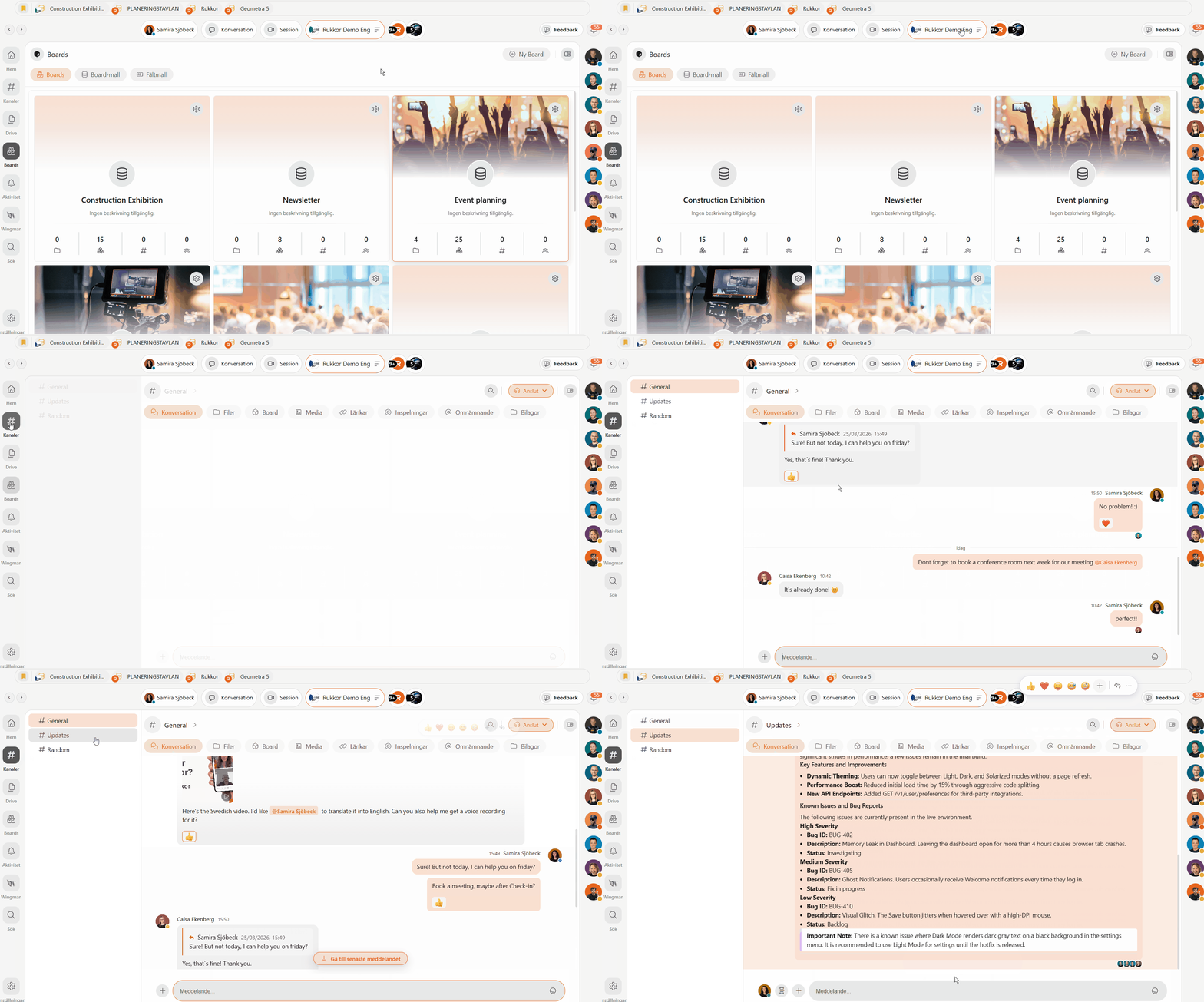
Everything in Rukkor lives inside a Space. It's the shared environment where your team communicates, manages projects, stores files, and works together — all in one place. You decide who has access and what each person can do. This article explains what a Space is, how to create one, and how to manage it.
What is a Space?
A Space is a secure, shared digital environment for your team, company, organization, or community. Inside a Space you'll find everything your team needs:
- Channels — for chat, meetings, and tasks organized by topic or project
- Drive — for shared file storage and document management
- Boards — for visual project planning and workflow tracking
- Sessions — for video meetings, voice calls, and screen sharing
- Wingman — your built-in AI assistant
You control who belongs to your Space and what each person can see and do through roles and permissions.
How to create a Space
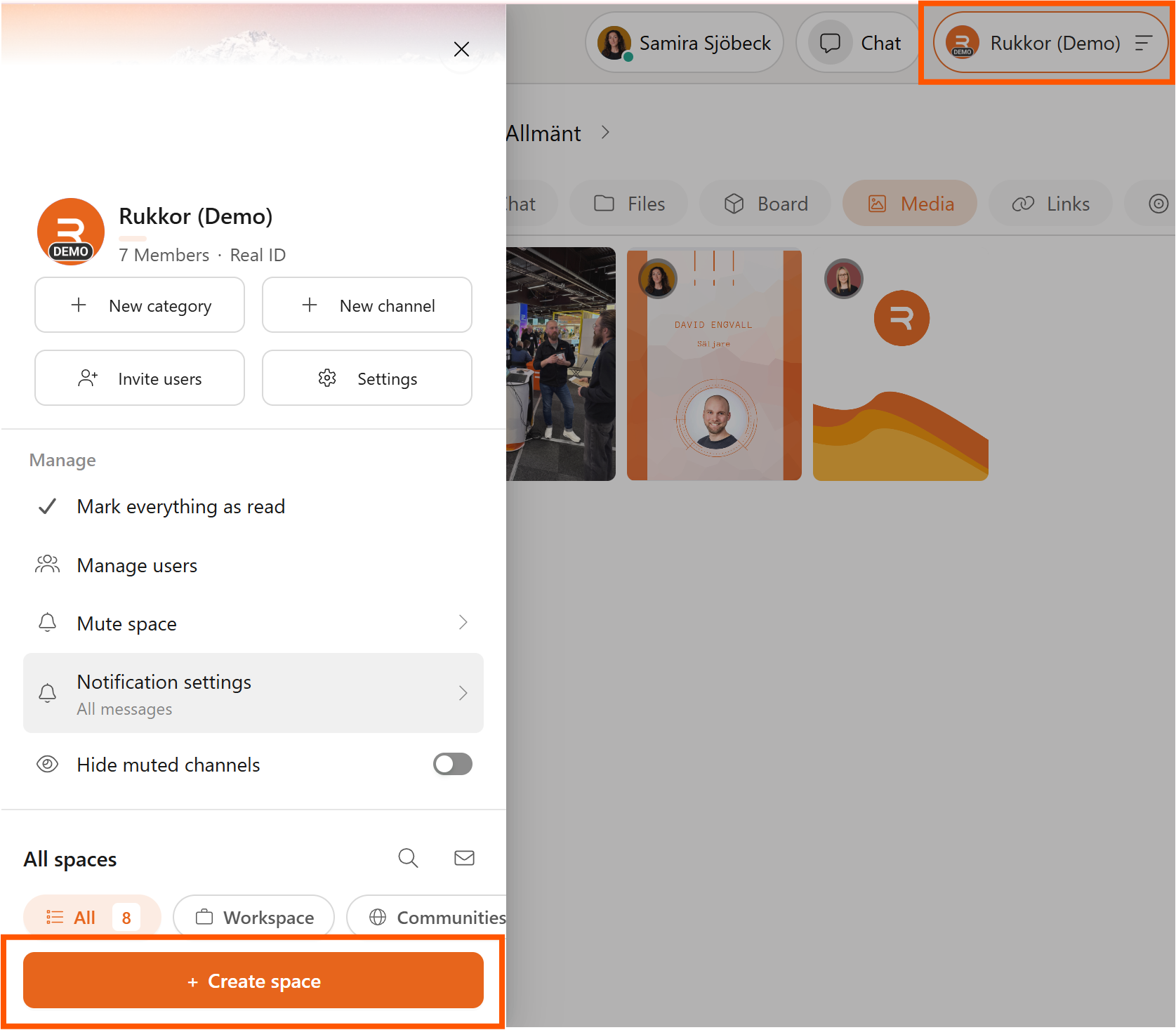
- Click the main menu icon in the top.
- Select "Create Space."
- Give your Space a name.
- Add a profile photo and banner to personalize it.
- Choose whether members use their real name or an alias.
- Click "Settings" in your Space panel to configure roles and permissions.
Roles and permissions
Rukkor comes with built-in roles like Administrator and Member. Administrators have full control over the Space, while Members have access based on the permissions you set. You can also create fully custom roles tailored to your team's needs — deciding exactly who can access which channels, boards, and files.
💡 Tip: Set up your roles before inviting your team. It saves time and avoids having to adjust permissions later.
How to invite others to your Space
Once your Space is set up, invite your team:
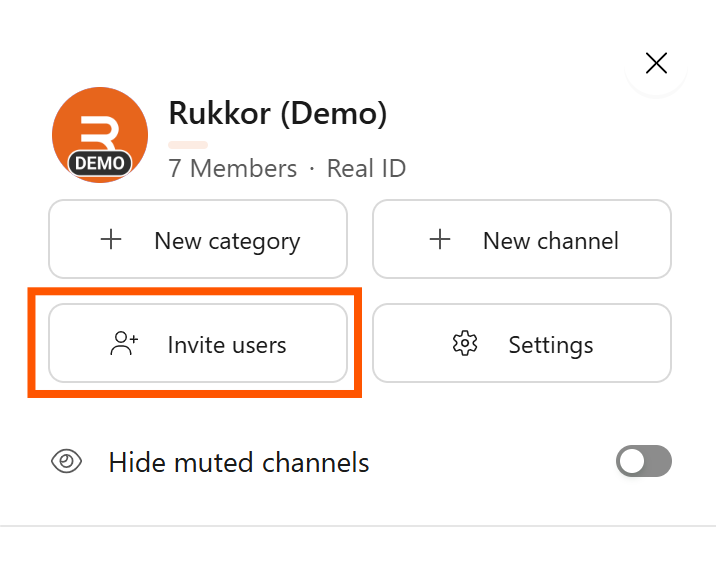
- Click on your Space.
- Click "Invite users."
- Search for their username or email address.
- Click "Send invitation."
The invitation is sent via email or directly in the Rukkor app. You can assign a role to each person as you invite them.
💡 Tip: Use "Manage users" in your Space panel at any time to see all members, adjust roles, or remove access.
How to join a Space
When someone invites you to a Space, you'll receive a notification in the app and an email. Click the link or accept via your notifications — and you're in.
→ Set up channels in your Space
→ Learn about security and data handling
→ Get started with Rukkor
.svg)