.svg)
Files
Files is the place where you store, organize, and work smartwith all your information.
You can upload files, create folders, and manage multiple versions of the samedocument. You can also compare files semantically, or by overlapping PDFs andimages, to clearly see the differences.
What are Files?
This is where you store and manage your files. Here you can organize, categorize, and work efficiently with documents, images, and other file types—so you always find the right information when you need it.
Upload and Add Files
You can easily upload files from your computer or drag and drop them directly into Files. Once uploaded, you can add descriptions, tags, and other metadata to keep your content organized.
Custom Fields
In Files, you can configure which custom fields apply to your documents. At the file level, you can classify and label your information, such as with tags, document owners, sharing details, or revision intervals. You can also use fields like numeric values, checkboxes, links, dates, person fields, titles, and product descriptions to flexibly tag and categorize files.
Different views
You decide how your files are displayed. You can group, filter, and sort by different criteria and customize which fields are visible to create a clear and personalized view.
Create folders
Organize your files by creating folders and subfolders. This makes it easier to structure content and quickly find the right documents.
Manage versions
Save different versions of the same document to ensure that no information is lost. You can easily view previous versions and restore them if needed.
Compare files
You can compare files in several ways: semantically, via PDF overlays, or image overlays. This makes it easy to see differences between documents clearly and visually.
Create and edit files
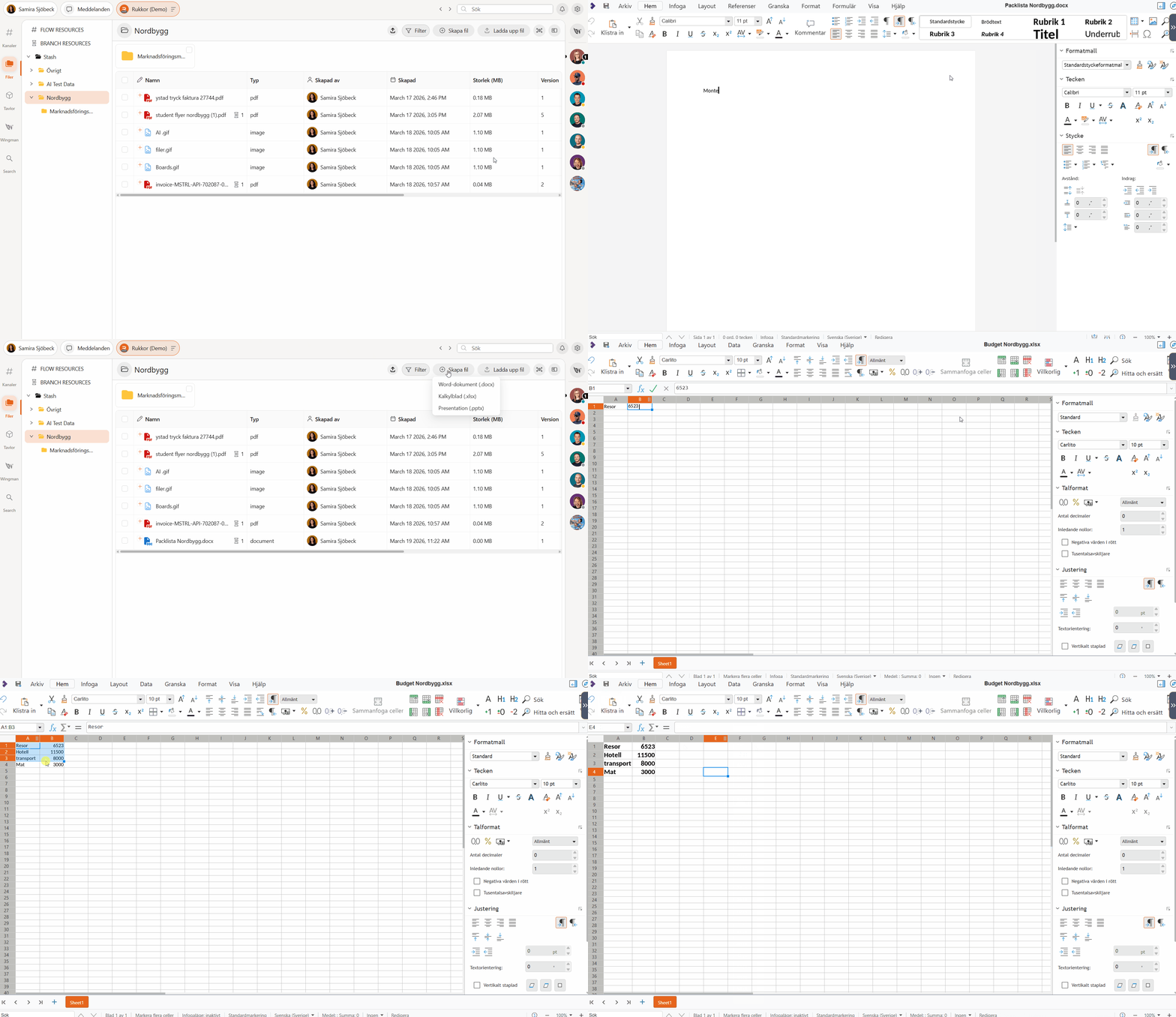
Open files from Word, Excel, and PowerPoint, or create your own documents, spreadsheets, and presentations with Rukkor’s built-in tools.
Learn more:
Gather everything that needs to be done and get it done with Boards.
.svg)